Build a high-capacity metro spine
A metro is the next step when a proven corridor needs more capacity or speed than a tram can give. It carries 750 riders, but every station and track section is a large investment.
Choose a corridor worth the cost
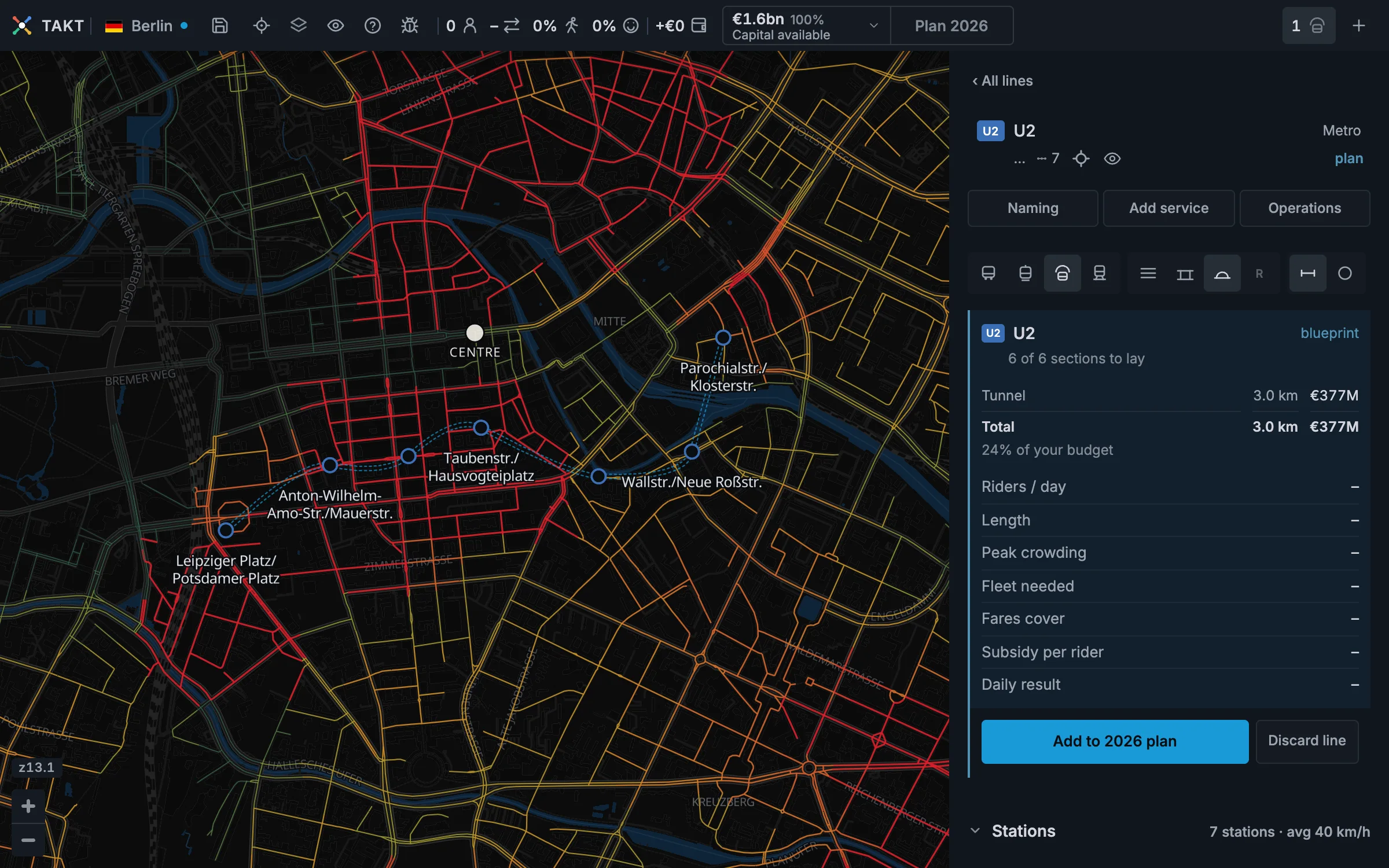
The demand map helps you choose a corridor. The blueprint shows its route and construction cost. Rider figures arrive when you finish the year.
Use the demand map and the result from a tram line before you commit the budget. A full tram can prove the need for more capacity.
- Press + and choose Metro.
- Place the first station near one end of the corridor.
- Place stations near major centres and useful connections.
- Keep about 800 to 1,500 metres between stations.
Read the next station
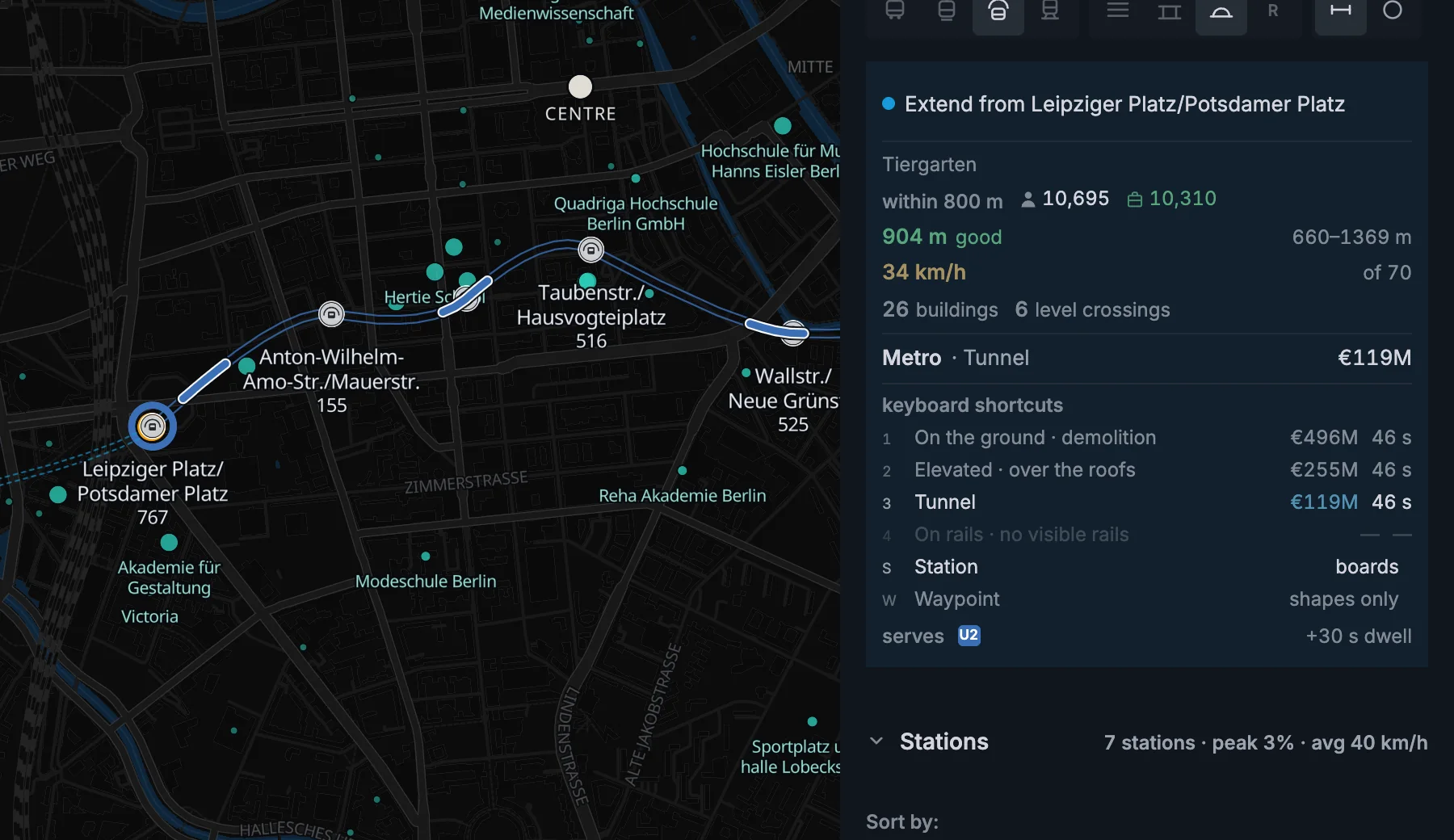
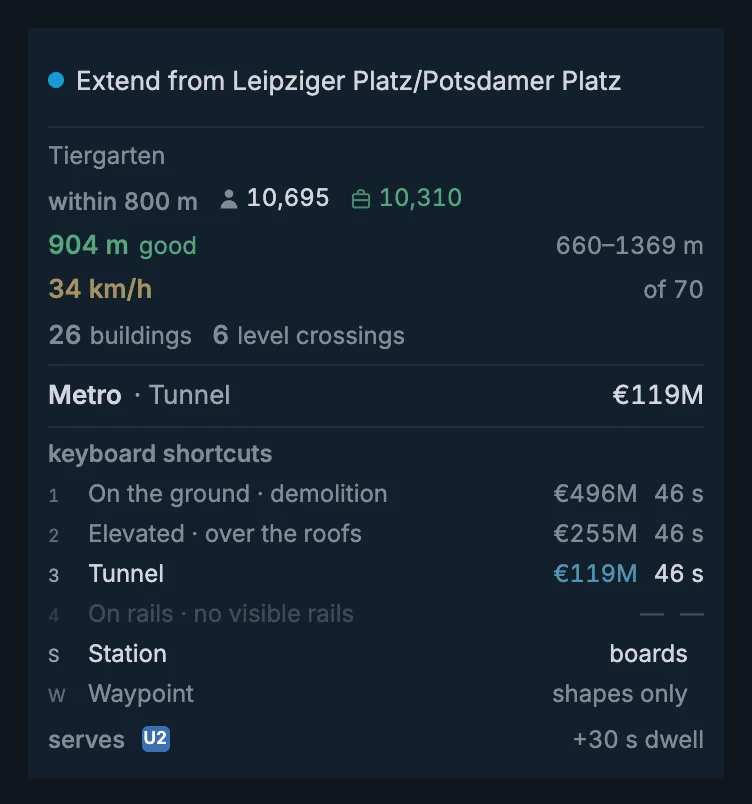
The blue preview shows the track before you click. The card shows the station reach, spacing, speed, affected buildings, and total cost.
Just after a city opens, the price can show …. Takt is still loading the buildings and the water, and both change the price. The real price appears when they arrive.
The spacing verdict changes from too close to tight, good, wide, and too far. Close stations slow the train. Wide gaps reduce walk access.
Keep the curves wide
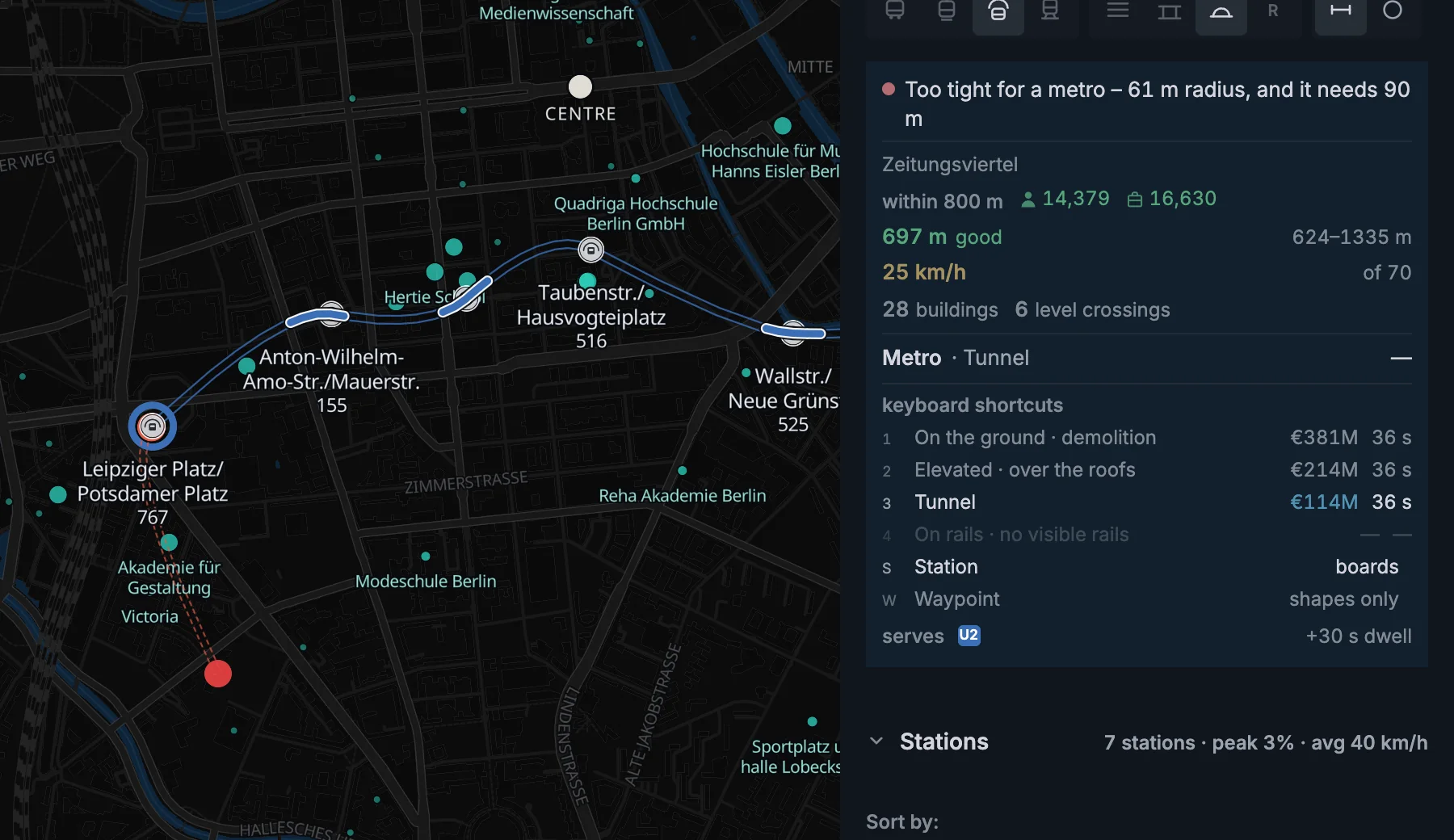
Metro trains cannot make very sharp turns. If the track bends too tightly through a station, Takt will not let you build it.
Add a waypoint to give the track more room to bend. A metro needs a curve radius of at least 90 metres.
Use a waypoint to shape the track
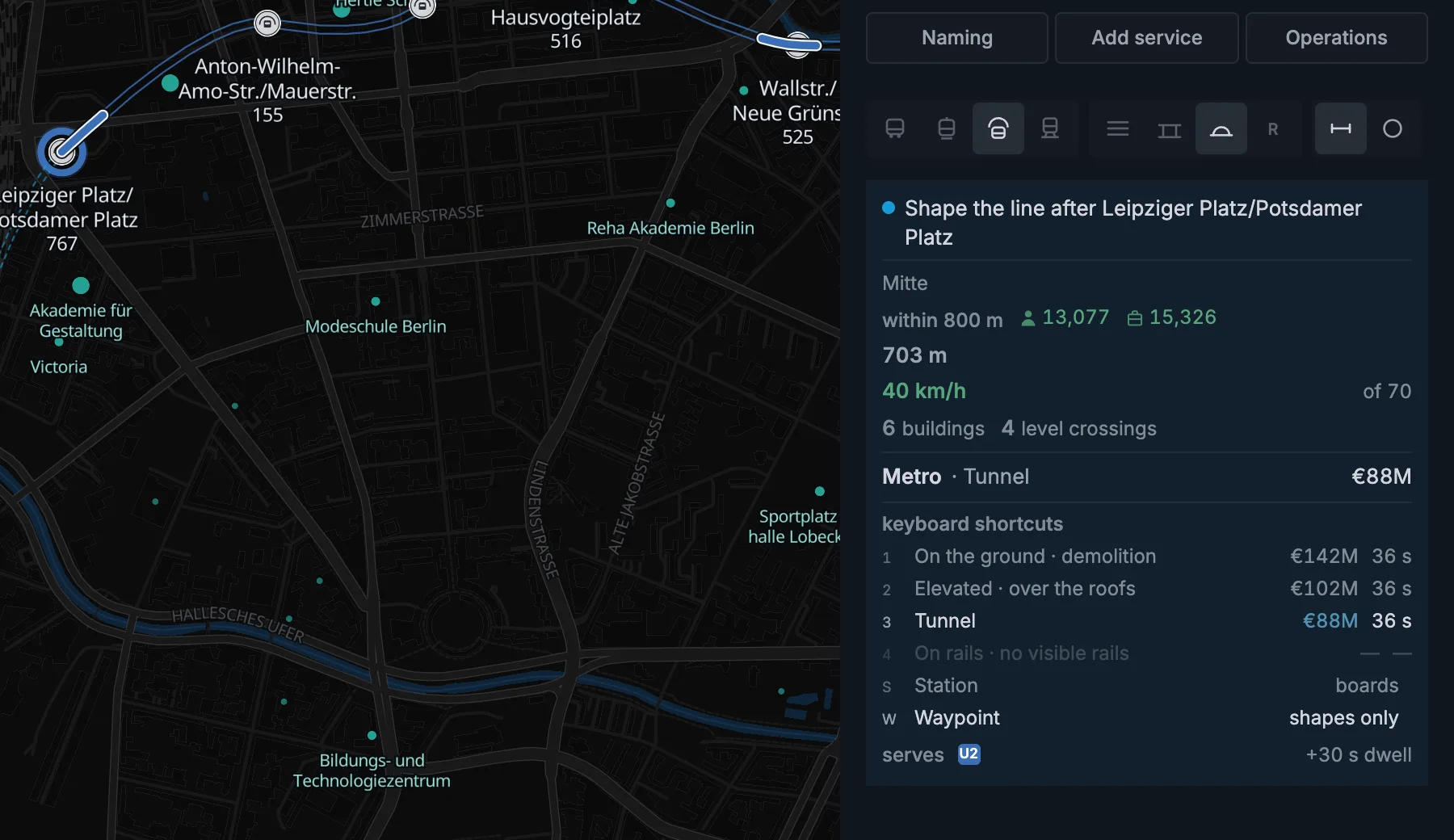
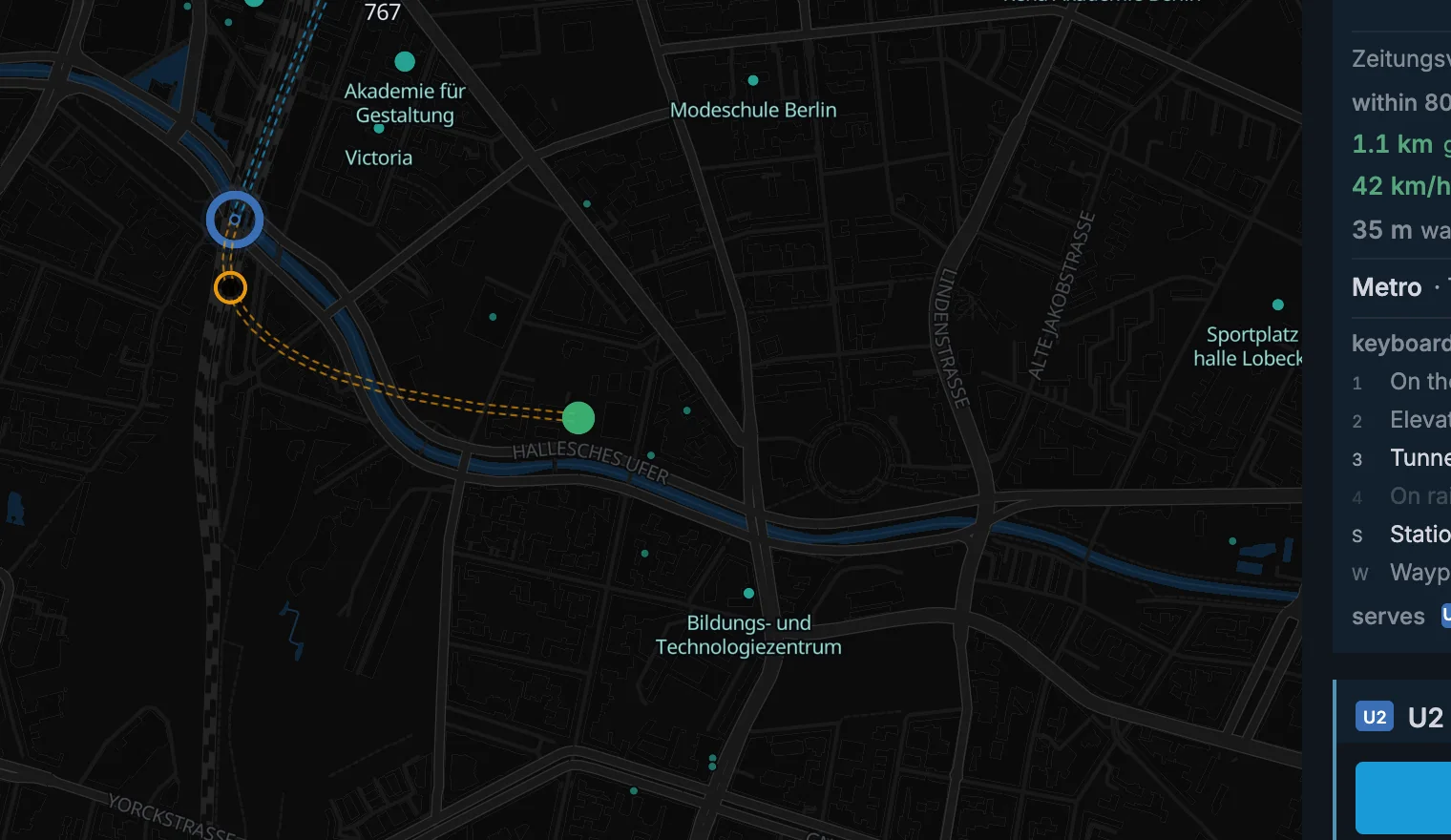
Press W when you want to bend the line without adding a station. Click to place the waypoint, then continue drawing.
A waypoint is a handle, not a station. It has no platform and no riders. It only bends the track.
Press S to go back to placing stations. Right click a waypoint to remove it.
The preview and build card follow the curve you are drawing. A new waypoint shapes the next section without moving earlier track.
Choose where the track goes
A metro is always separate from traffic. Choose ground-level track, an elevated viaduct, or a tunnel before you build each section.
| Track | Base cost | What it means |
|---|---|---|
| On the ground | €32M/km | Track at street level |
| Elevated | €62M/km | A viaduct above the city |
| Tunnel | €120M/km | Runs underneath everything |
The lowest base cost is not always the lowest route cost. Ground-level track through a built-up area requires land and demolition. Elevated track also costs more above buildings. A tunnel passes underneath them.
In a dense city centre, a tunnel can end up cheaper than building on the surface.
Reuse track for a branch
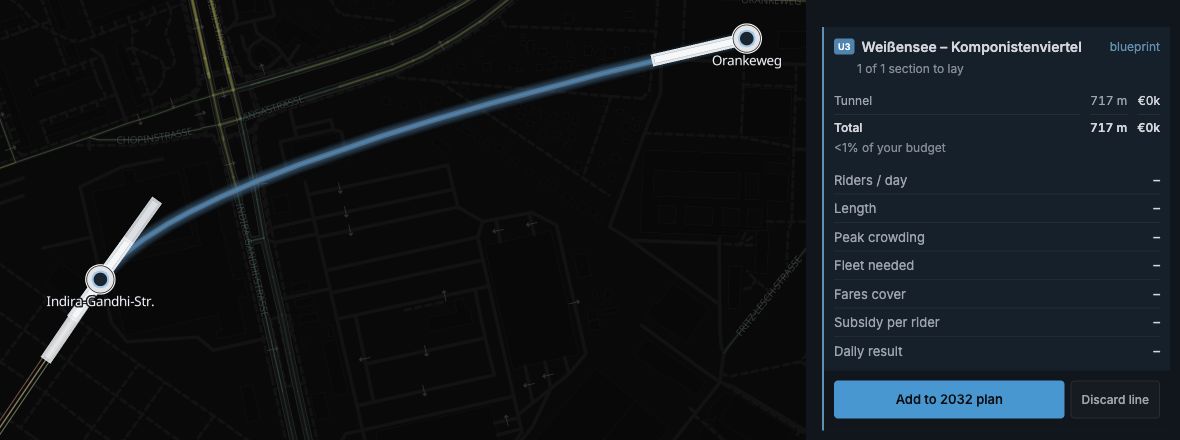
A metro or railway line can run on another line's track. That section costs nothing to build, and the two lines share the track's capacity.
Draw your line to a station of another line of the same mode. Use existing track switches on by itself. The line card names the other line.
Click the other line's next station. Your line runs on the same track to that station. Keep clicking station after station.
Want your own track? Click anywhere else. Your line builds new track there. Press 1, 2 or 3 to choose ground, elevated track, or tunnel.
A connection needs room for its curve. Takt bends planned track into the other track. At a built approach, it can add a short connecting curve without moving the paid track. The preview shows the curve and its cost.
A shared section can follow the source track through changes between ground level, elevated track, and tunnel. The connection must still allow the level change.
When extending a built line on your own track, you can choose the level for the new section. Existing built track keeps its level.
If a click does not work, the build tip explains the restriction and what to do.
- The line would have to turn back on itself. Go on in the other direction, or leave on your own track.
- Your built track meets the other track too sharply. Built track does not move. Choose a station farther along.
- There is no room for the curve. Choose a station farther along, move the station before the join farther away, or arrive at a flatter angle.
- The levels cannot connect at this station. Read the permitted construction choice in the card before continuing.
Does your line already end on another line's station? Click that end station, then press 4 or click Use existing track.
If the other line is hidden, show it with its eye in the line list. Hidden stations cannot be selected.
The existing track glows in your line's colour while you preview the shared section. The glow stays after placement while the section is planned. It shows which track your line reuses.
A shared section pays no second track construction charge. New stations and platforms can still cost money.
Repair a planned section
In the stations table, click R beside the planned section. Choose a source line and its entry and exit stations. You can select the stations from the lists or with Pick on map.
Check the station movements and changed connecting track in the preview. Click Apply to plan to use the source track. One undo restores the whole change. Cancel or Escape closes the preview without changing the plan.
The repair keeps station names, platforms, and service calls. It refuses changes that move built track. If the source track is still planned, build the source before the shared section opens.
Click G, E, or T beside an unbuilt shared section to give it its own track again. Nearby parallel track does not count as shared track.
Add capacity to an existing corridor
Sharing track and building parallel track have different effects. Shared services use the same track capacity. Parallel construction adds a separate track.
Build parallel track when a busy shared section limits departures. Demolish and rebuild a section to change built track.
Longer platforms can permit longer trains. Read Takt advice to find the supported action.
Use the Speed layer to inspect the effect of curves and station spacing.
Read the experiment
Add the line to this year's plan, then finish the year. The line opens and the exact model measures the corridor, stations, and track choice.
If the metro fills, shorten the takt or lengthen its platforms. If demand is weak, test fewer stations or a shorter first section.
Metro facts
| Metro station | €60M |
|---|---|
| Capacity | 750 riders |
| Top speed | 70 km/h |
| Walk reach | 800 m |
| Fastest service | Every 2 min |
| Running cost | About €3,200/day per train + €14/km |